
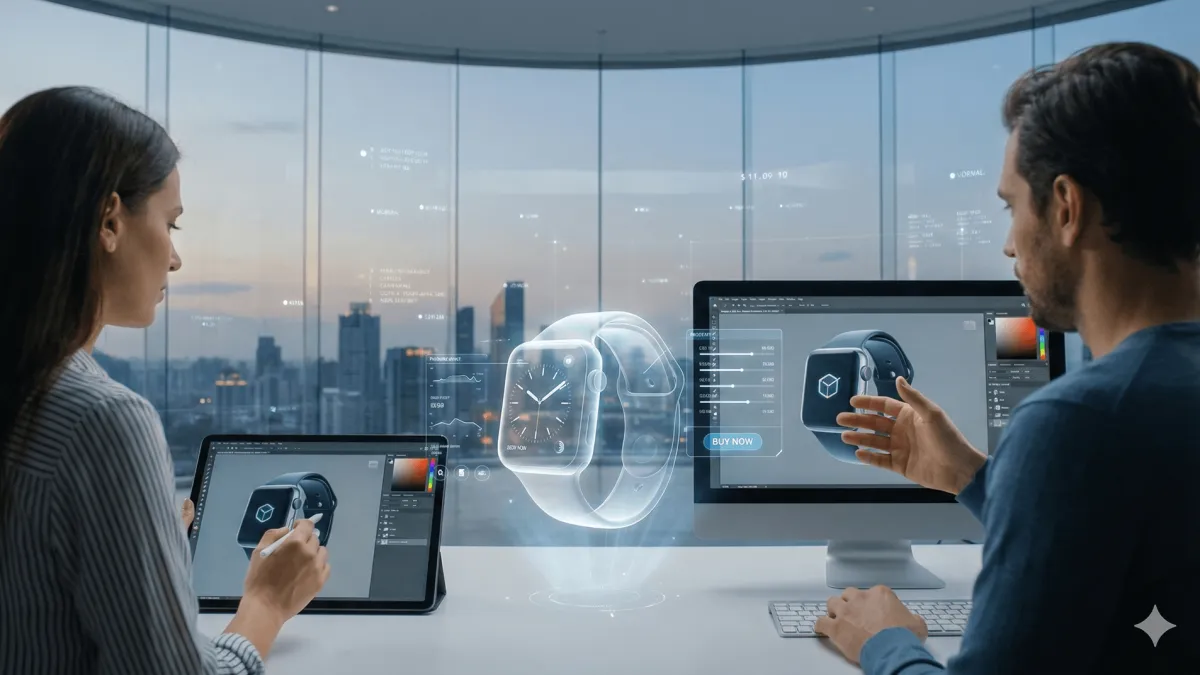
AI Summary
Master immersive AR/VR web experiences. Tech stacks, UX tips, SEO, conversions. Build sites that engage and sell - no apps needed.
AR ecommerce and WebXR are transforming how users shop online. In this guide, you’ll learn how to build fast, SEO-friendly immersive product pages that increase conversions, boost time-on-site, and reduce returns.
Imagine slipping on your glasses and stepping into a virtual showroom where you can spin a sports car 360 degrees, feel its leather seats, and hear the engine roar - all from your couch. That's not science fiction. It's the web today. And if your site isn't ready for this, you're leaving money on the table.
I've built dozens of these experiences. Seen conversions skyrocket. Watched users stick around for minutes instead of seconds. You need this edge. This post? It's your blueprint. We'll dive deep into making AR/VR-ready websites that don't just wow - they sell.
Why AR Ecommerce Is Exploding
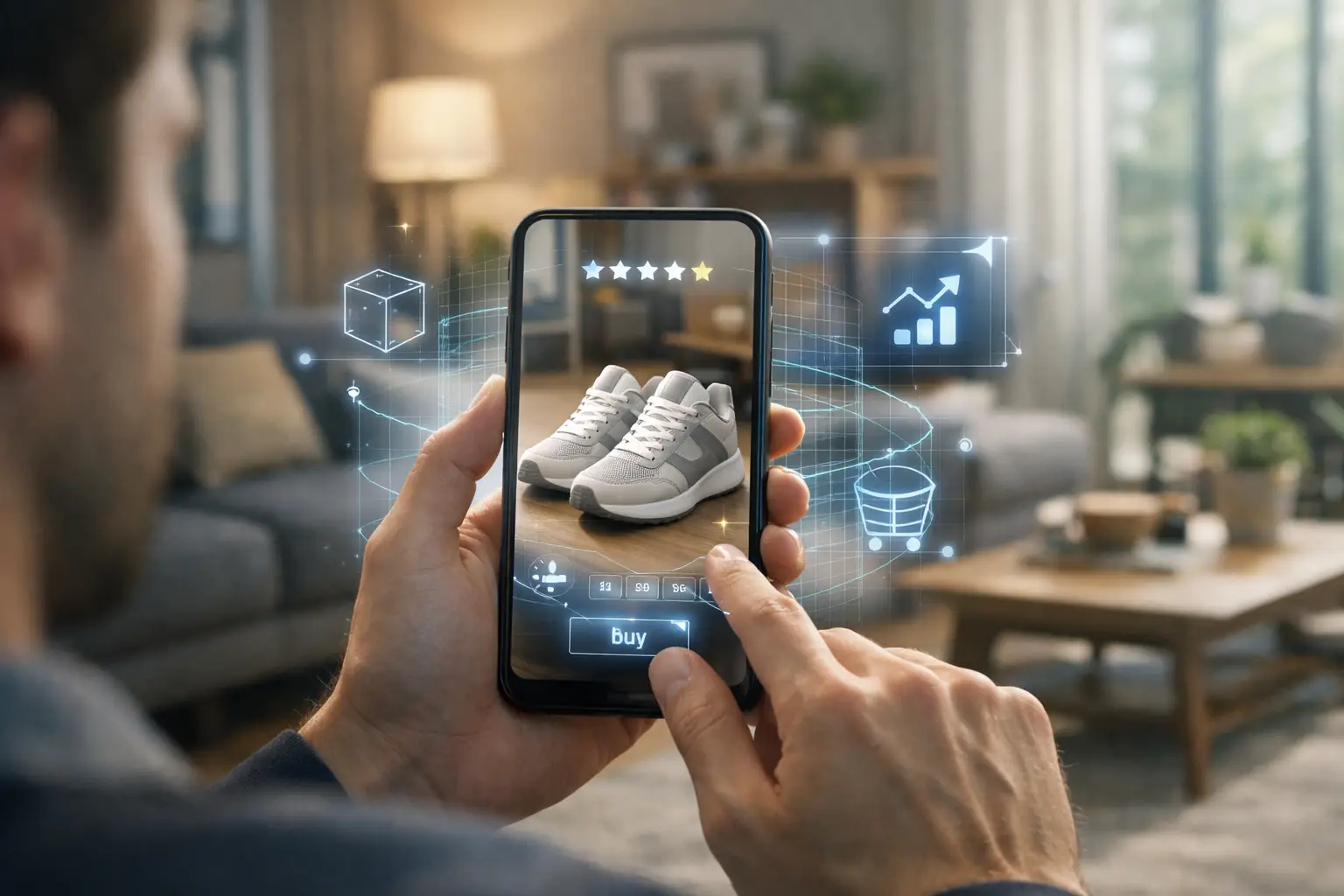
Immersive web experiences pull you in. They're not flat pages with stock photos. Think 3D models you manipulate. Augmented reality overlays on your camera feed. Virtual reality tours that transport you. It's the web feeling real.
Traditional sites? Static. Scroll, click, bounce. AR/VR-ready ones? Interactive. Users grab, rotate, explore. The difference hits hard. A furniture site lets you place a sofa in your living room via AR. No more guessing fits.
User expectations exploded. Post-pandemic, we crave interaction. Global stats show it: 75% of consumers prefer AR for shopping. They want to experience products. Ignore this? Your bounce rate climbs. Engagement tanks.
Businesses win big. Conversion rates don't just jump - they explode. Shopify reports products with AR content convert 94% higher than those without. E-commerce giants like IKEA prove it. Their app lets you visualize rugs in your space. Sales follow. Retention too - users return for that magic.
Why does it matter to you? Competition. Flat sites feel dated. Immersive ones build trust. Show confidence in your product. Customers buy from brands that feel cutting-edge. Don't sleep on this.
What Defines Immersive Web Experiences in Modern Web Design
Spatial audio. Haptic feedback. Gesture controls. These define it. Your site responds to head turns, hand waves. No apps needed - just a browser.
It's about presence. You feel there. Not watching a demo. Living it. That emotional hook? Irreplaceable for conversions.
Difference Between Traditional Websites and AR/VR-Ready Websites
Traditional: 2D images. Descriptions. Maybe a video. AR/VR-ready: 3D assets. Real-time rendering. Cross-device magic. Traditional loads in seconds. Immersive demands optimization - but pays off in loyalty.
One's passive. The other's participatory. Users co-create the experience. That's the game-changer.
How User Expectations Are Changing Globally
Gen Z leads. 80% use AR filters daily. Boomers? Catching up with VR tours. Asia dominates adoption - China's e-com mandates immersive previews. Europe follows with privacy-focused AR.
You adapt or fade. Expectations aren't optional.
Business Benefits of Immersive Web Experiences
Higher AOV. Fewer returns - SeekXR reports a 25% decrease in returns from AR-guided purchases. Brand loyalty surges. Data shows immersive sites boost time-on-site by 300%.
It's not fluff. It's ROI.
What Makes a WebXR - Ready Website
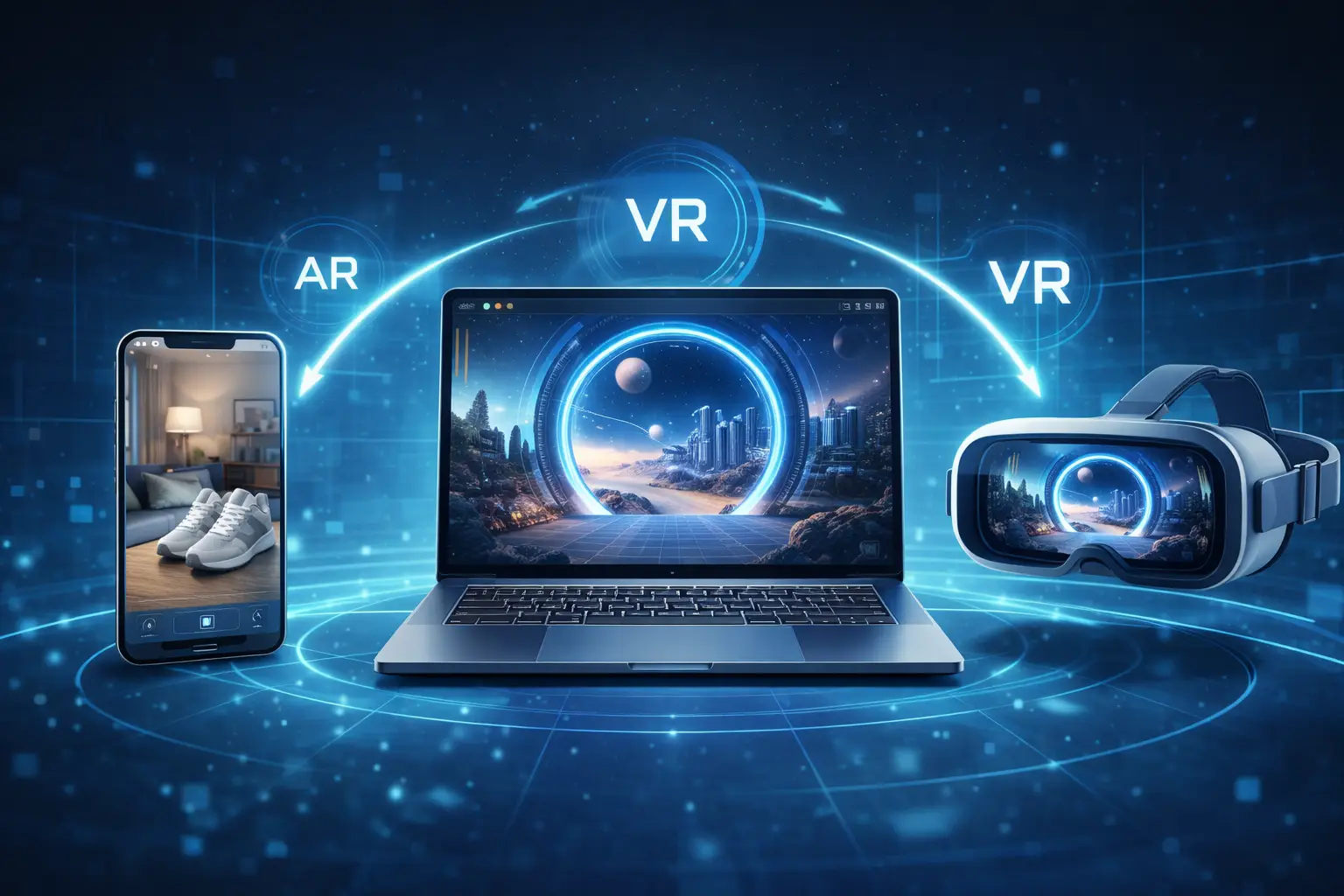
WebAR starts it all. No app downloads. Scan a QR, boom - AR in your browser. I love 8th Wall. It's markerless, handles lighting like a pro.
WebXR? The powerhouse. Standard for VR/AR in browsers. Chrome, Safari, Firefox - all in. It layers 3D worlds over reality or plunges you into full VR.
Frameworks make it painless. A-Frame for quick prototypes. Three.js for custom beasts. Babylon.js shines on performance. Pick wrong? Your site chugs.
Scalability rules. Start with model-viewer for simple 3D. Scale to full WebXR scenes. Cloud rendering offloads heavy lifting. Your stack must handle millions of views without breaking.
Overview of WebAR and Browser-Based AR Solutions
WebAR uses device cameras. Libraries like AR.js - lightweight, open-source. Zappar for enterprise polish. They detect planes, track faces. Instant try-ons.
Pro tip: Test on iOS. Apple's ARKit integration is gold.
Introduction to WebXR and VR on the Web
WebXR Device API. One code for AR and VR. Enter VR with a headset. Switch to AR on phone. Sessions persist. Magic.
I built a VR property tour. Users walked empty homes, furnished on fly. Leads poured in.
Popular Frameworks and Tools for Immersive Development
- Three.js: Low-level 3D. Total control.
- A-Frame: HTML-like. Beginner-friendly.
- PlayCanvas: Game-engine lite. Physics built-in.
- model-viewer: Google's gem. USDZ/GLB out the box.
Mix them. Three.js backbone, A-Frame frontend.
Choosing the Right Tech Stack for Scalability
Frontend: React Three Fiber - React devs paradise. Backend: Node for asset serving. CDN for globals like AWS S3.
Measure: GLTF models under 1MB. LOD for distance culling. Future-proof with WebGPU.
Choosing Your WebXR and WebAR Tech Stack
UX in immersive spaces? Intuitive or infuriating. Guide the user's gaze. Subtle cues. No clutter.
Realism tempts. Glossy shaders. But usability first. Clunky controls kill joy. Balance with progressive disclosure - reveal features as they engage.
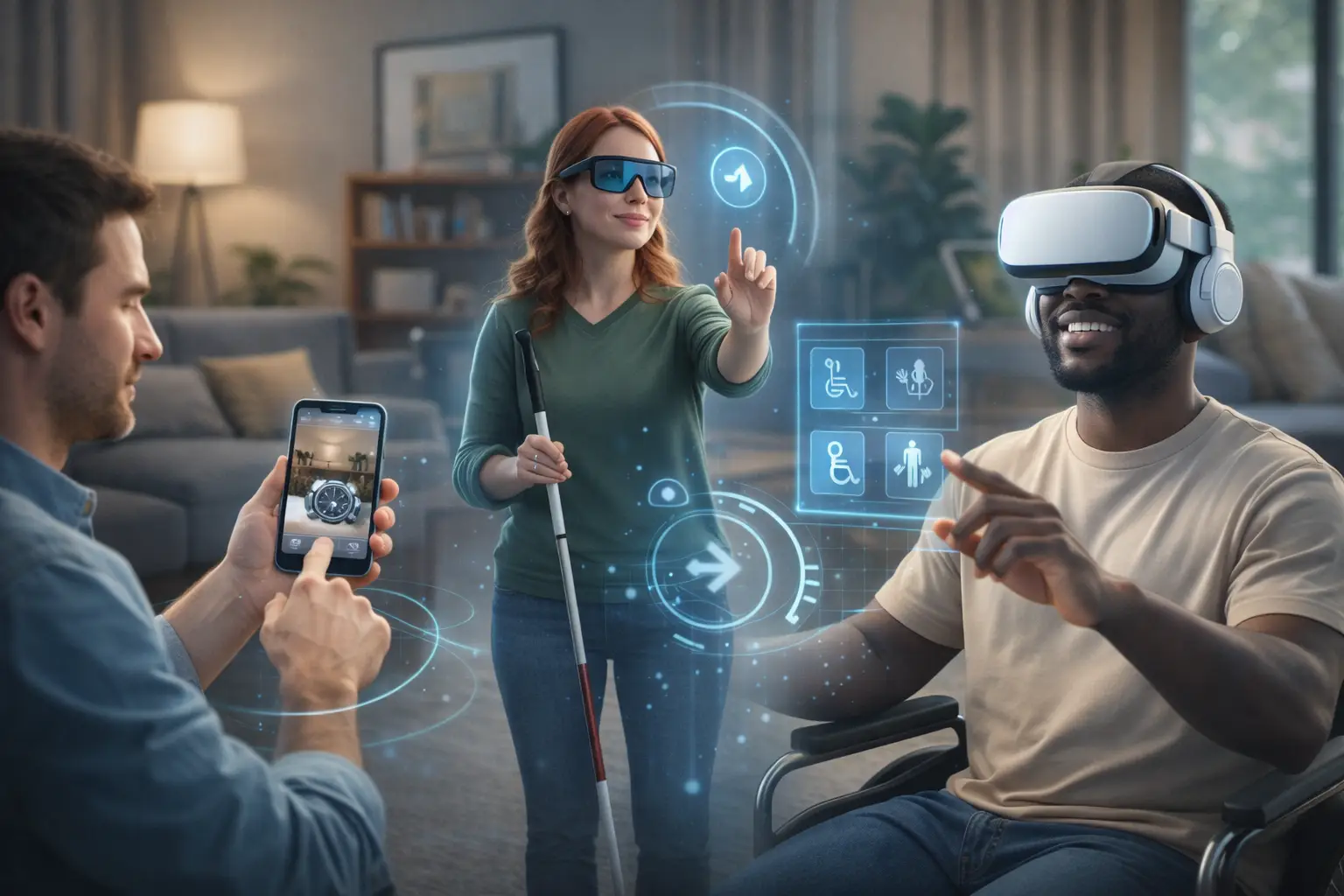
Accessibility isn't optional. Screen readers for 3D? VoiceOver extensions. Color-blind modes. Motion sickness warnings. 15% of users need this.
Progressive enhancement: Core site works sans AR. Bonus for capable devices. Everyone wins.
Immersive UX Best Practices for AR and VR
Short sessions first. 30-second wins build to 5-minute dives. Affordances: Objects look grabbable. Feedback: Haptics on touch.
Test with users. Heatmaps in VR? Eye-tracking gold.
Balancing Realism with Usability in 3D Environments
Photorealism dazzles. But cartoon shaders load faster, less nausea. Hybrid: Realistic products, stylized backgrounds.
I once overdid realism. Site lagged. Conversions dropped. Lesson learned.
Accessibility Considerations for Immersive Web Design
- Keyboard navigation in VR.
- High-contrast modes.
- Text-to-speech for 3D labels.
- Seizure-safe animations.
Progressive Enhancement for Non-AR/VR Users
Fallbacks rule. 2D carousel if no WebXR. Still immersive, just lighter. Detect capabilities with UA sniffing + feature detection.
Performance Rules for 3D and AR
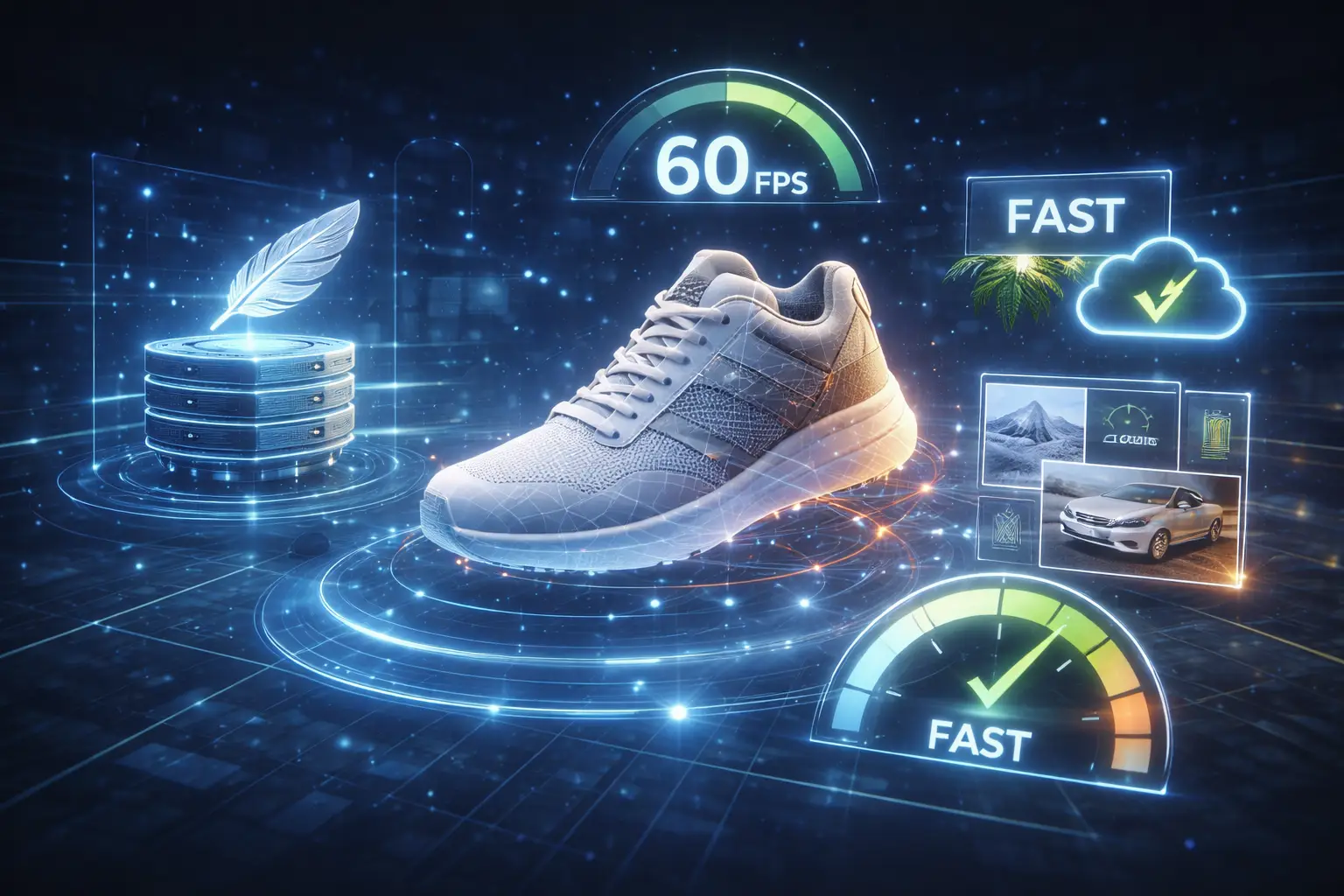
Heavy assets murder load times. Compress GLBs with glTF-Pipeline. Draco for meshes. 90% size cuts, zero quality loss.
SEO for 3D? Crawlers don't render WebGL. Structured data to the rescue. Schema.org for 3D models. Alt text on canvases.
Optimize 3D: Lazy load off-screen assets. Web Workers for rendering. Core Web Vitals - LCP under 2.5s even in VR.
Mobile first. 70% traffic. Throttled GPUs demand mipmaps, anisotropic filtering.
Performance Optimization for AR and VR Assets
Bake lighting. No real-time rays. Instancing for duplicates. Frustum culling. Tools: Blender exporters tuned for web.
Monitor with Lighthouse. Aim for 60fps.
SEO Challenges Unique to Immersive Web Experiences
JS-heavy. Prerender for bots. Sitemap with 3D thumbnails. Voice search: Descriptive titles.
Optimizing 3D Content and WebXR Pages for Search
Video sitemaps for AR demos. Rich snippets. Google's 3D object search rising.
Mobile-First Considerations for Immersive Web Experiences
Touch gestures. Gyro controls. Low-poly for phones. AR Core/ARKit parity.
UX and Accessibility in Immersive Interfaces
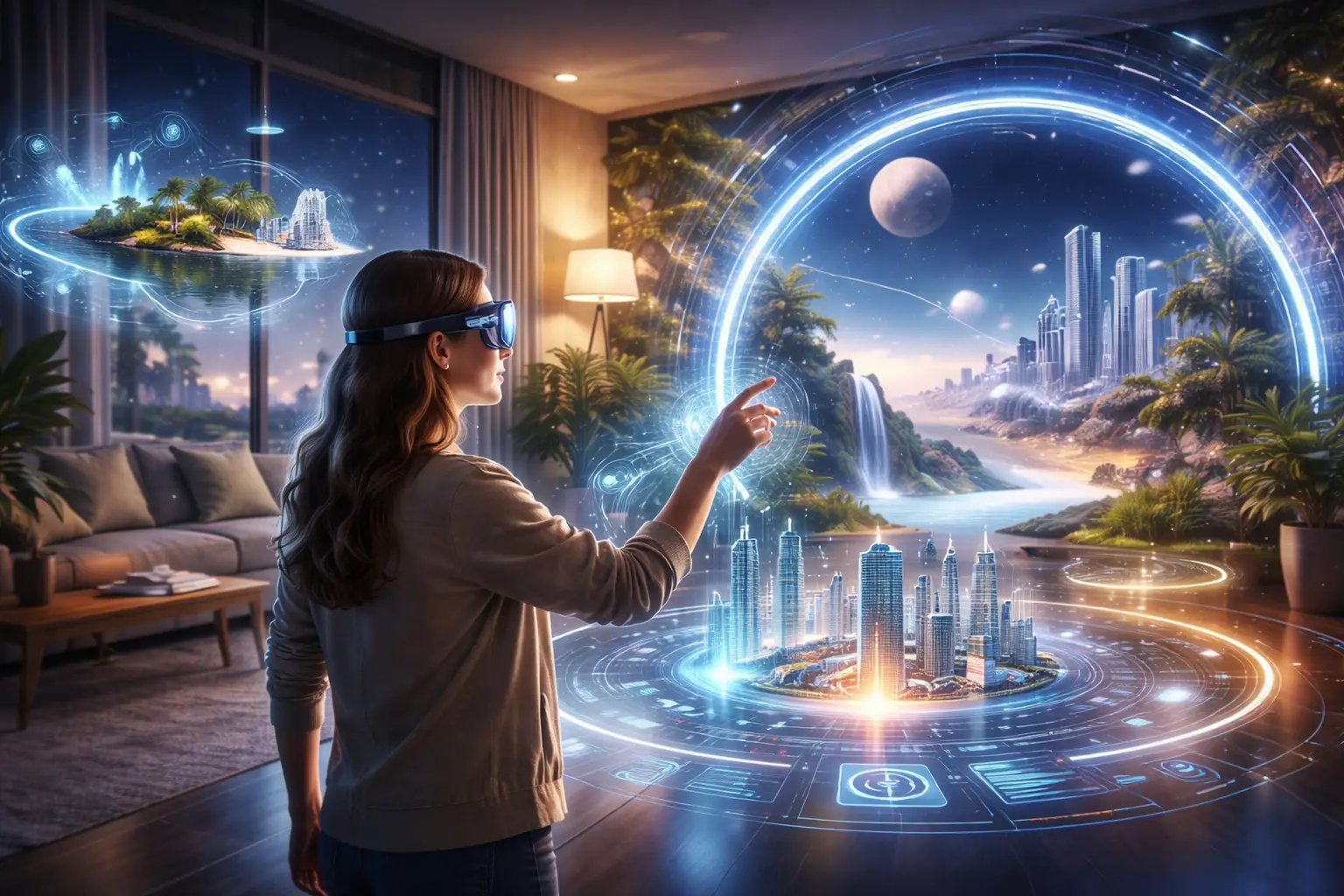
AR visualization seals deals. Try glasses virtually? 94% confidence boost. Returns plummet.
VR storytelling immerses. Walkthrough a hotel suite. Bookings up 25%.
E-com design: Frictionless checkout from AR. One-click "add to cart" from 3D view.
Track it: Heatmaps in 3D space. Gaze analytics. A/B test immersive vs static.
AR Product Visualization and Virtual Try-On Use Cases
Fashion. Makeup. Jewelry. Warby Parker nailed glasses try-on. 3x conversions.
Automotive: Interior explorers. Hypothetical: Customize your Tesla in AR.
VR Product Demos and Immersive Storytelling
Real estate VR tours. No-show rates drop. SaaS? VR dashboards demo complex UIs.
Designing Immersive Ecommerce Experiences That Convert
- Seamless AR entry points.
- Personalization: User's room scan.
- Social sharing: "See my try-on!"
- Urgency: Limited VR previews.
Measuring Conversion Impact and Key Performance Indicators
KPIs: Immersive session time. AR interaction rate. Conversion lift attribution. Tools: Google Analytics 4 events.
Future Trends: AI, WebGPU and Spatial Search
WebGPU lands. Real-time ray tracing in browsers. Photorealism cheapens.
AI integration: Tools like Spline AI and Luma are making 3D generation instant. We can now generate procedural worlds and auto-optimize assets in seconds, not days.
Multiverse web: Seamless AR/VR/MR switches. Metaverse bridges.
Maintain: Update WebXR polyfills. A/B test new features. Scale with CDNs.
Emerging Trends in Immersive Web and WebXR
Haptics APIs. Full-body tracking. Social VR rooms. AI NPCs in demos.
Best Practices for Maintaining and Scaling AR/VR Websites
CI/CD for 3D assets. Monitoring FPS globally. User feedback loops.
Security and Privacy Considerations for Immersive Experiences
Camera access consents. No data retention. GDPR for AR scans. Secure asset hosts.
Preparing Your Website for the Future of Immersive Web
Modular code. WebXR first. Experiment now. By 2027, it's table stakes.
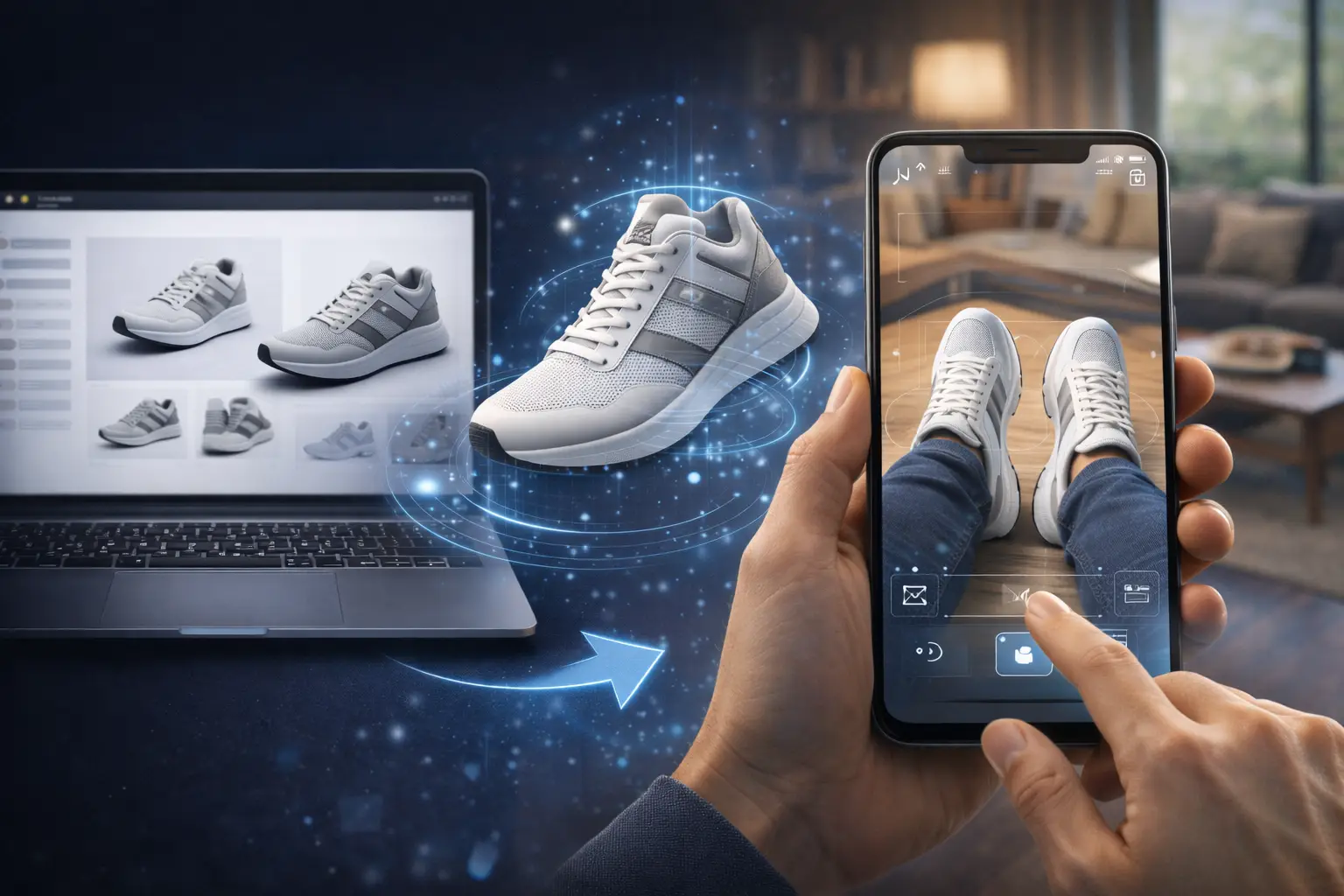
Quick Start: From 2D Product Page to AR Try - On
You've got the map. Immersive web isn't coming - it's here. Build AR/VR-ready sites. Watch conversions climb. Start small: One 3D product. Scale to full experiences.
Don't wait. Your competitors won't. Grab Three.js, prototype today. The future buyer expects it. Deliver.
0 Comment(s)
Be the first to leave a comment!